> ## Documentation Index
> Fetch the complete documentation index at: https://docs.spendlessdaw.app/llms.txt
> Use this file to discover all available pages before exploring further.
# Make room for your music
> Meet SpendLess and find the right guide for your next session.
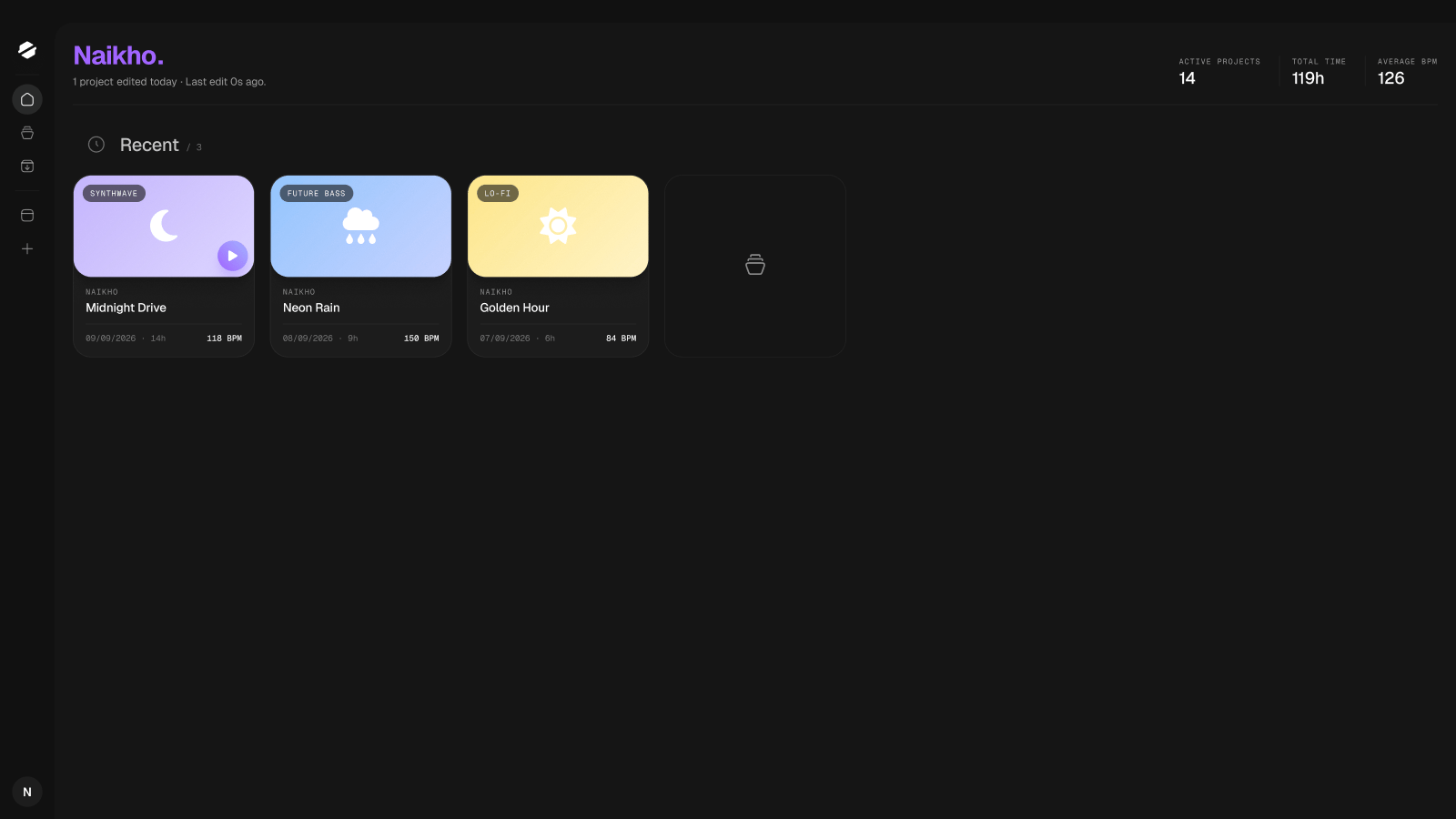
SpendLess is a free desktop companion for **FL Studio** on Windows and macOS. Give every idea a recognizable home, listen to your previews, and keep project files and collected samples together. No account is required.
 Install SpendLess and bring in your first FL Studio project.
Recognize your tracks without opening them one by one.
Learn what SpendLess collects and what needs your attention.
Choose the right backup and recover a project file.
## A simple session
Open a project from SpendLess, make music in FL Studio, then **save and close the project**. SpendLess can refresh the saved information and collect the samples it can find. Attach a fresh audio render when you want a new preview.
SpendLess organizes your work; FL Studio remains where you compose, mix and render audio. Plugins and their licenses stay installed separately.
Looking for one specific action? Search for words such as **import**, **missing samples**, **Load Backup**, or **macOS installation**.
These guides cover the public app. Any preview of an upcoming feature is labeled explicitly. [Download SpendLess](https://spendlessdaw.app/#download) or read the [FAQ](/en/faq).
This documentation is built and hosted on [Mintlify](https://mintlify.com), a developer documentation platform.
Install SpendLess and bring in your first FL Studio project.
Recognize your tracks without opening them one by one.
Learn what SpendLess collects and what needs your attention.
Choose the right backup and recover a project file.
## A simple session
Open a project from SpendLess, make music in FL Studio, then **save and close the project**. SpendLess can refresh the saved information and collect the samples it can find. Attach a fresh audio render when you want a new preview.
SpendLess organizes your work; FL Studio remains where you compose, mix and render audio. Plugins and their licenses stay installed separately.
Looking for one specific action? Search for words such as **import**, **missing samples**, **Load Backup**, or **macOS installation**.
These guides cover the public app. Any preview of an upcoming feature is labeled explicitly. [Download SpendLess](https://spendlessdaw.app/#download) or read the [FAQ](/en/faq).
This documentation is built and hosted on [Mintlify](https://mintlify.com), a developer documentation platform.