
Restore a project file
1
Save anything you want to keep
Save and close the project in FL Studio. Export a separate copy if you want to preserve the current state before restoring.
2
Choose a snapshot
Open the project’s menu → Load Backup. Choose a dated backup in the Backup Manager.
3
Restore and check
Choose Load Backup. The current FLP moves to the system trash and the selected backup replaces it. Open the restored project in FL Studio and check it.
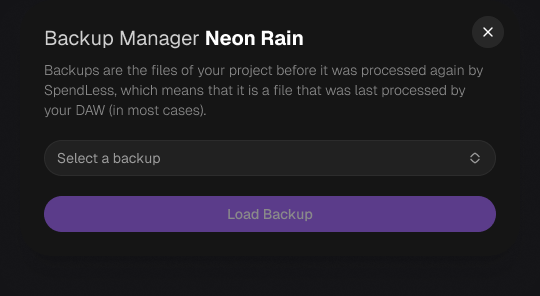
The Backup Manager in the new design.
Save a library backup
- Save and close your projects in FL Studio.
- Open Settings → Advanced → Save backup.
- Choose the destination and compression option, then start the backup.
- Wait for completion and check whether the message reports failed projects.