
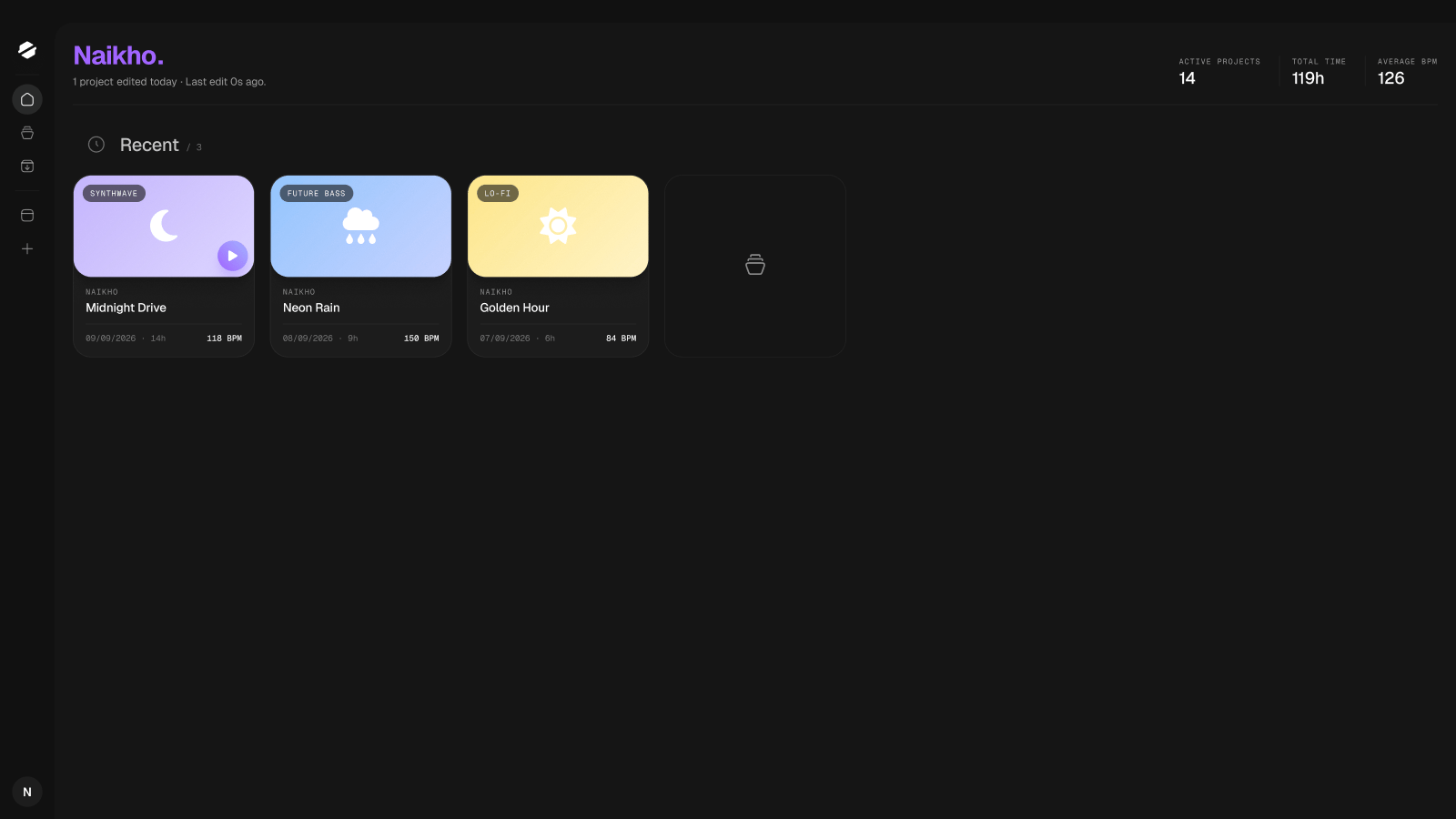
SpendLess's new interface, illustrated from the design file. Your installed version may look slightly different.
Start your first session
Install SpendLess and bring in your first FL Studio project.
Find and organize projects
Recognize your tracks without opening them one by one.
Understand samples
Learn what SpendLess collects and what needs your attention.
Back up your work
Choose the right backup and recover a project file.